
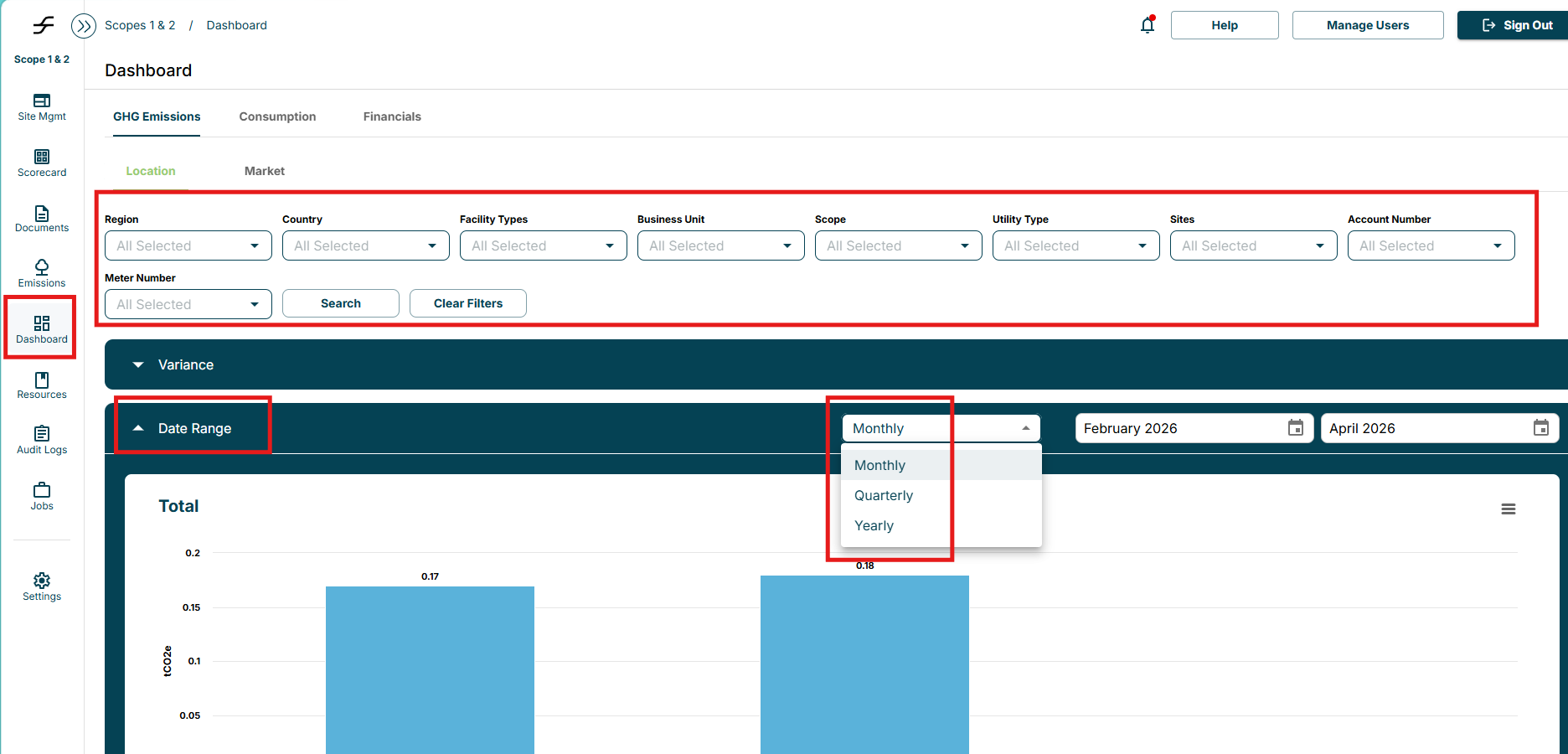
To compare data with other time periods, navigate to the Dashboards tab. In the drop downs above, select the information you would like to evaluate - this can be by site, by scope, by country, etc. Once the desired fields are populated selected search. In the blue tabs below, you can filter by various time periods. For example, in the “Date Range” tab you can filter by Monthly, Quarterly or Yearly Data.
Overall, the Dashboards page allow you to visualize trends and spot anomalies in your data for GHG Emissions, Consumption and Cost.
Overall, the Dashboards page allow you to visualize trends and spot anomalies in your data for GHG Emissions, Consumption and Cost.