
To upload data, navigate to the Documents, Upload Page
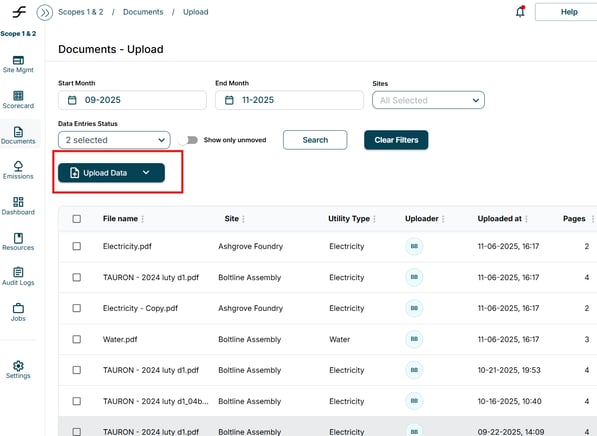
- Select Upload Data
- Select Upload PDF or Upload Excel Data dependent upon the file type
- Select the file you want to upload
- For further information on Uploading Data:
- Navigate to the Resources tab
- Select Folders
- Select Templates
- Download the document “ESG Flo Data Upload Template”