
How to upload Usage Data via Excel:
- Navigate to the Documents tab and select Uploads
- Select Upload Data
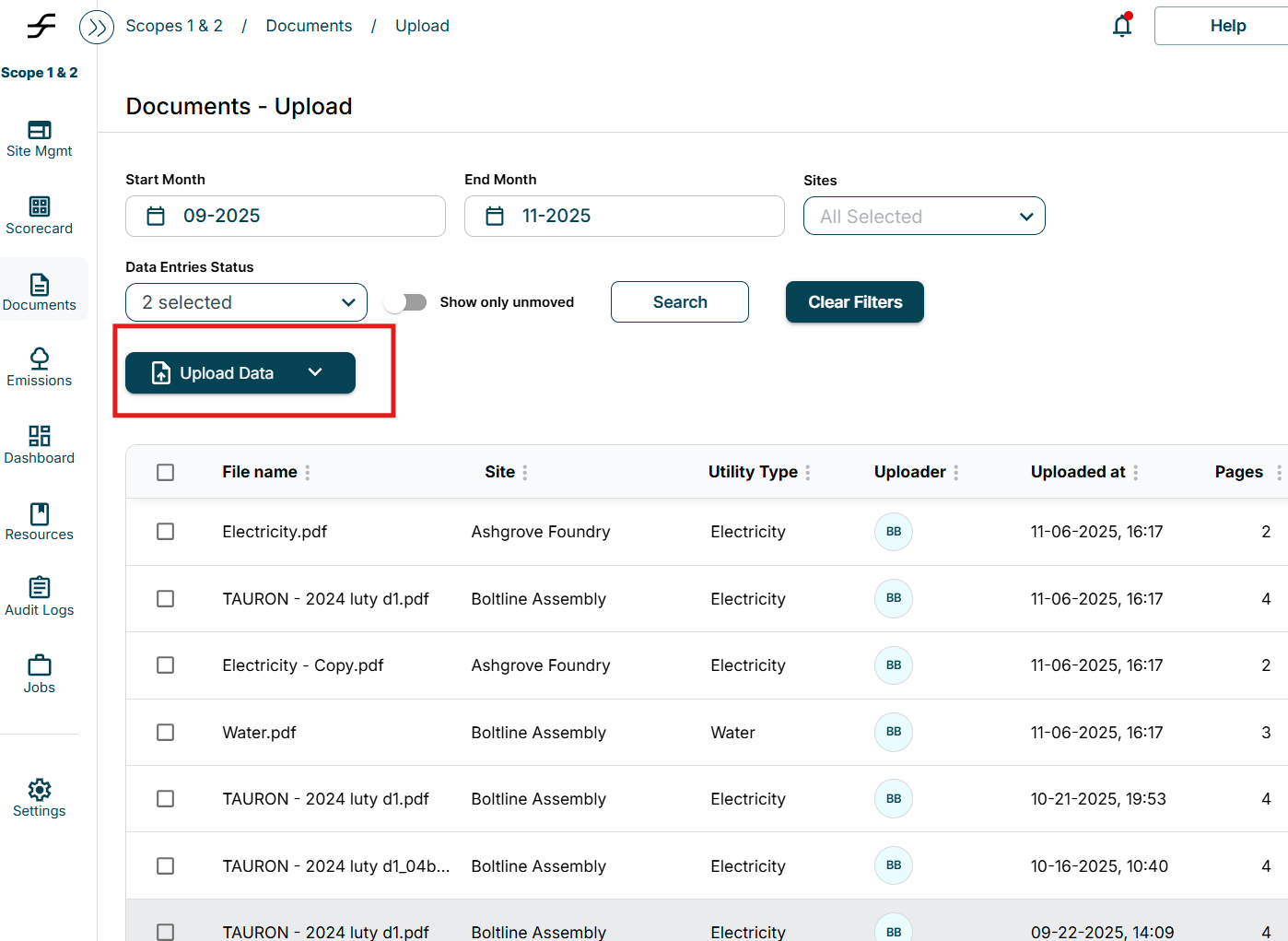
- Select Upload Excel Data
- Make sure to use the Tracera Excel Template
- The Excel Template can be found under the Resources tab > Files > Templates
- Download the document “ESG Flo Data Upload Template”
- The Excel Template can be found under the Resources tab > Files > Templates
How to upload excel data for Site Set-up, Utility Set-up, Historical data, or Parameter Based Estimations
- Navigate to Site Management Tab
- Select Upload Data
- Upload Excel Template
- Make sure to use the Tracera Templates
- The Excel Template can be found under the Resources tab > Files > Templates
- For Site Set-up or Utility Set-up download the “ESG-FLo Onboarding Template”
- For Parameter Based Estimations open “ESG-Flo Parameter Based Estimates”