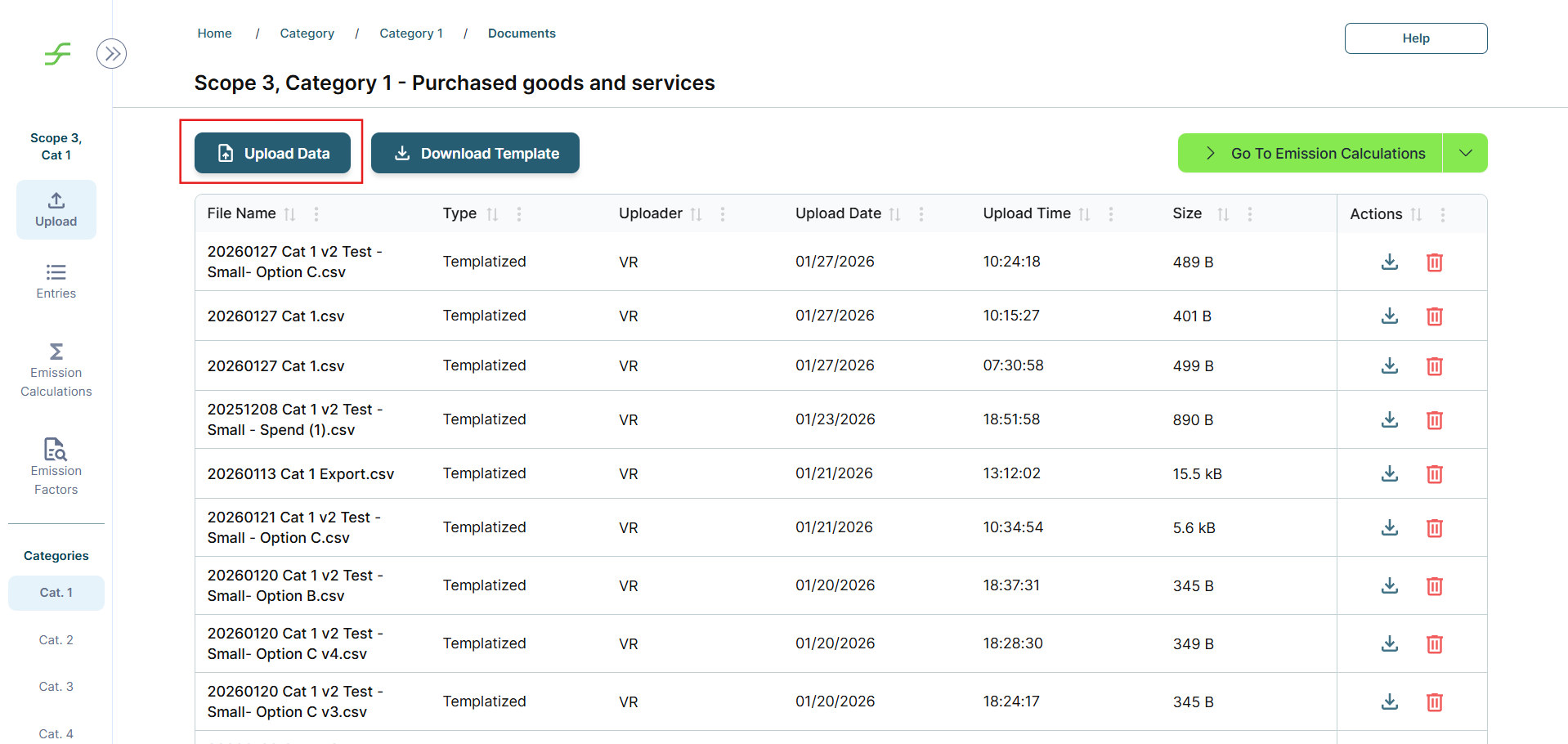
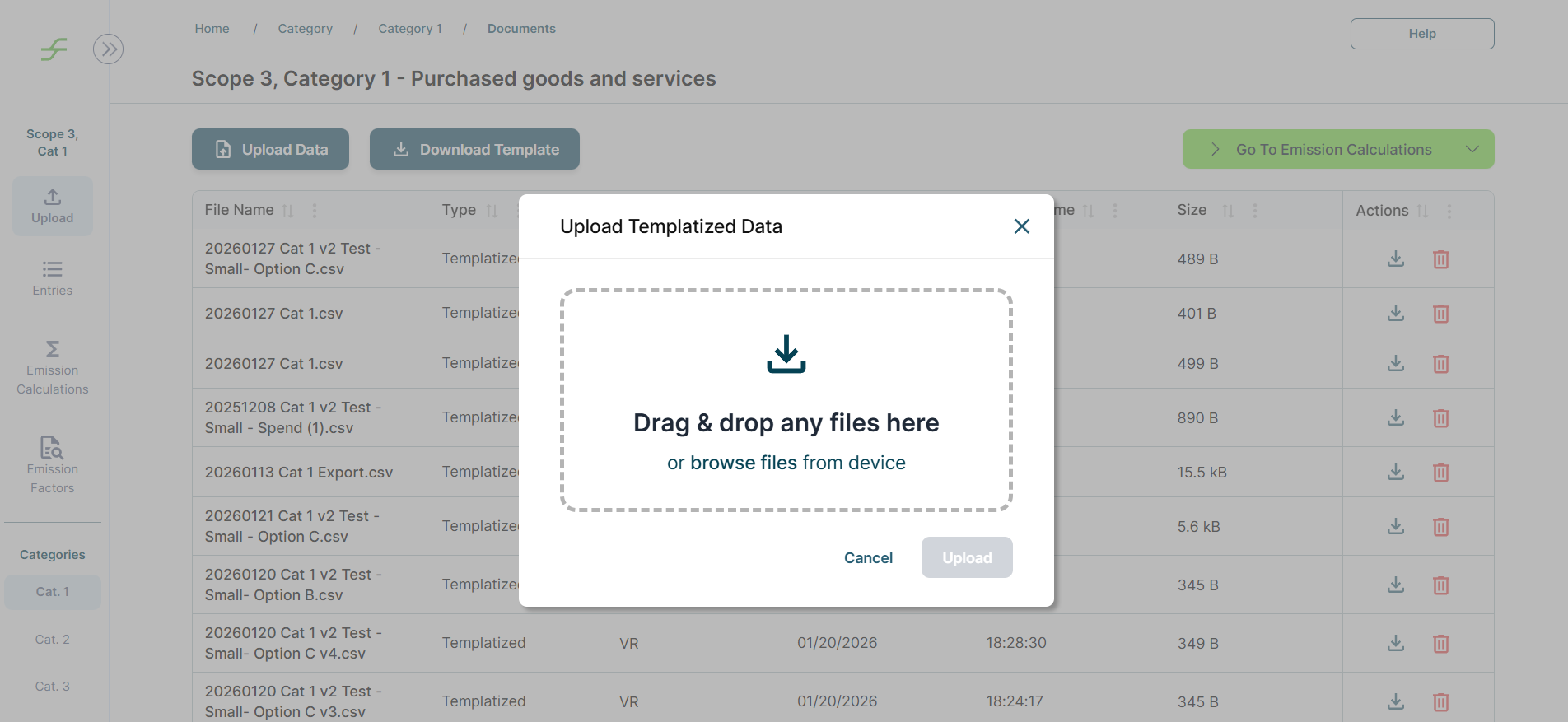
Once your data has been prepared using the Scope 3 Data Collection Workbook, you can upload your CSV file directly through the Upload page for the relevant Scope 3 category. For guidance on preparing CSV files for upload, refer to the README and Guidance sections of the Data Collection Workbook.
Talk to your Tracera Customer Success Manager to learn about recommended data collection approaches and options for integrating your existing data systems as inputs for Scope 3 calculations.