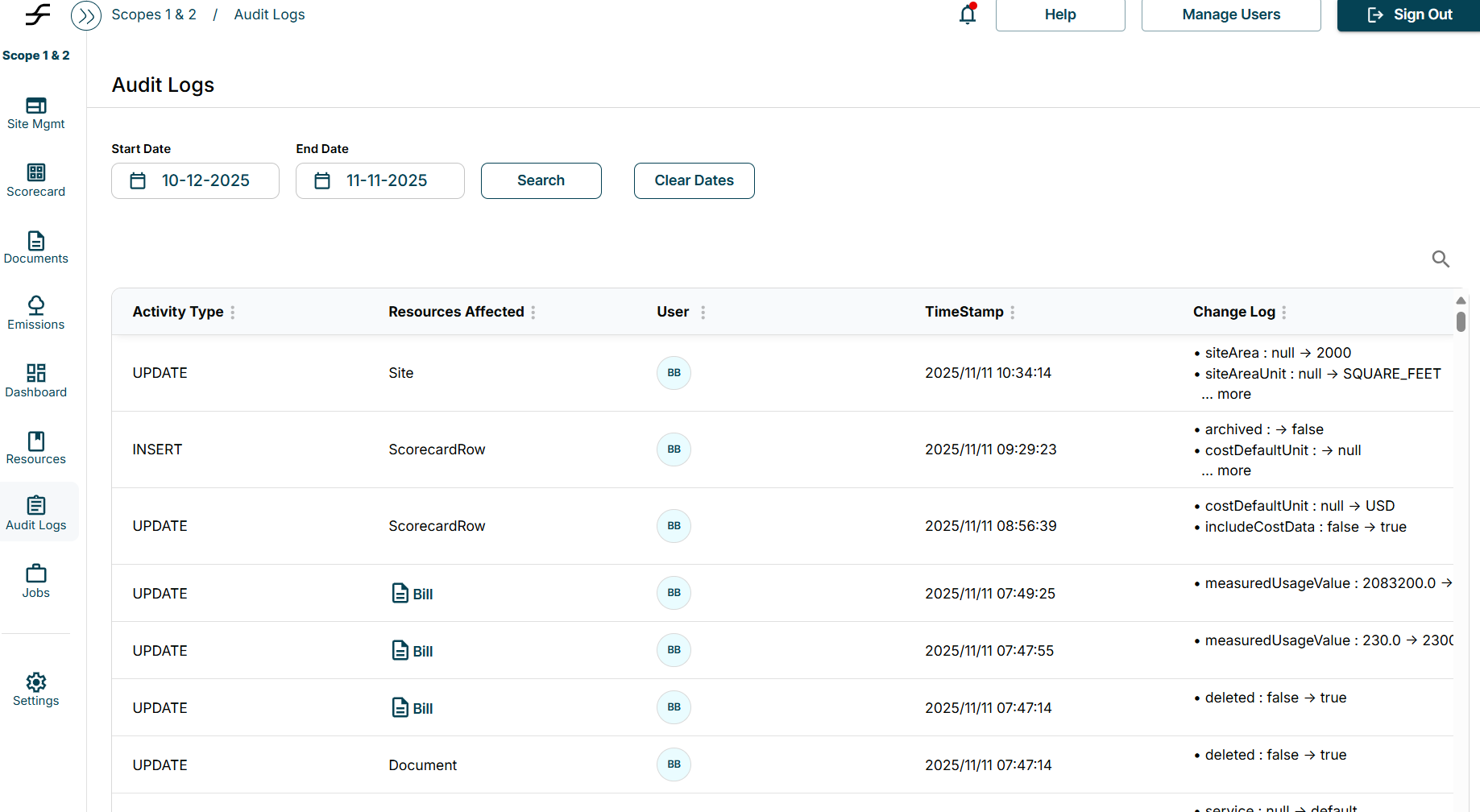
Users can view all changes made to an invoice by opening it on the Bill Entries page and selecting the Comments tab. This section displays a detailed record of any edits or updates.
Additionally, the Audit Logs tab provides a comprehensive view of when each change occurred, who made it, and what specific details were modified.