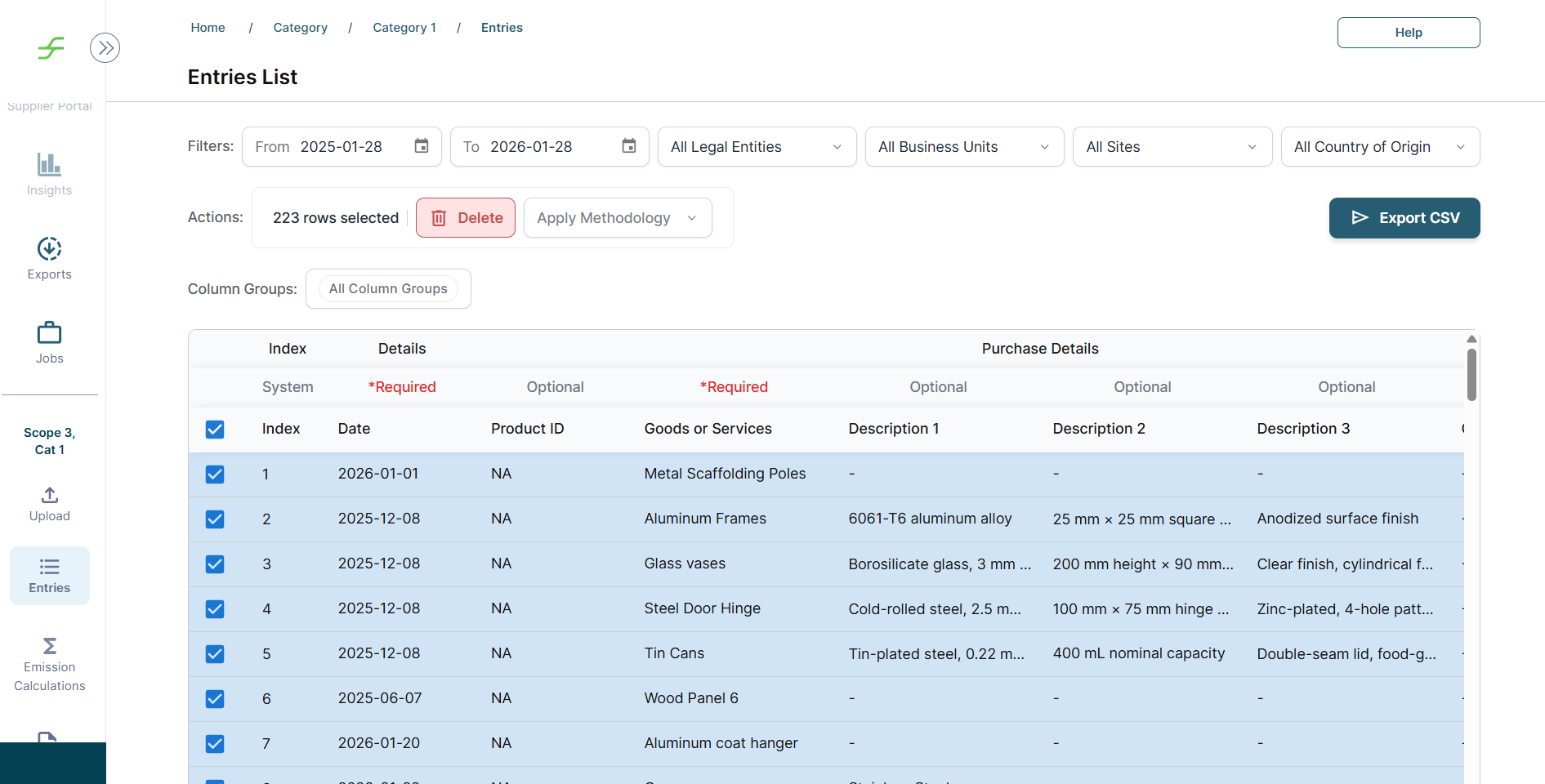
To delete data from the Scope 3 platform, navigate to the Entries page. From there, filter the table by upload file, date range, or other relevant criteria to locate the entries you want to remove.
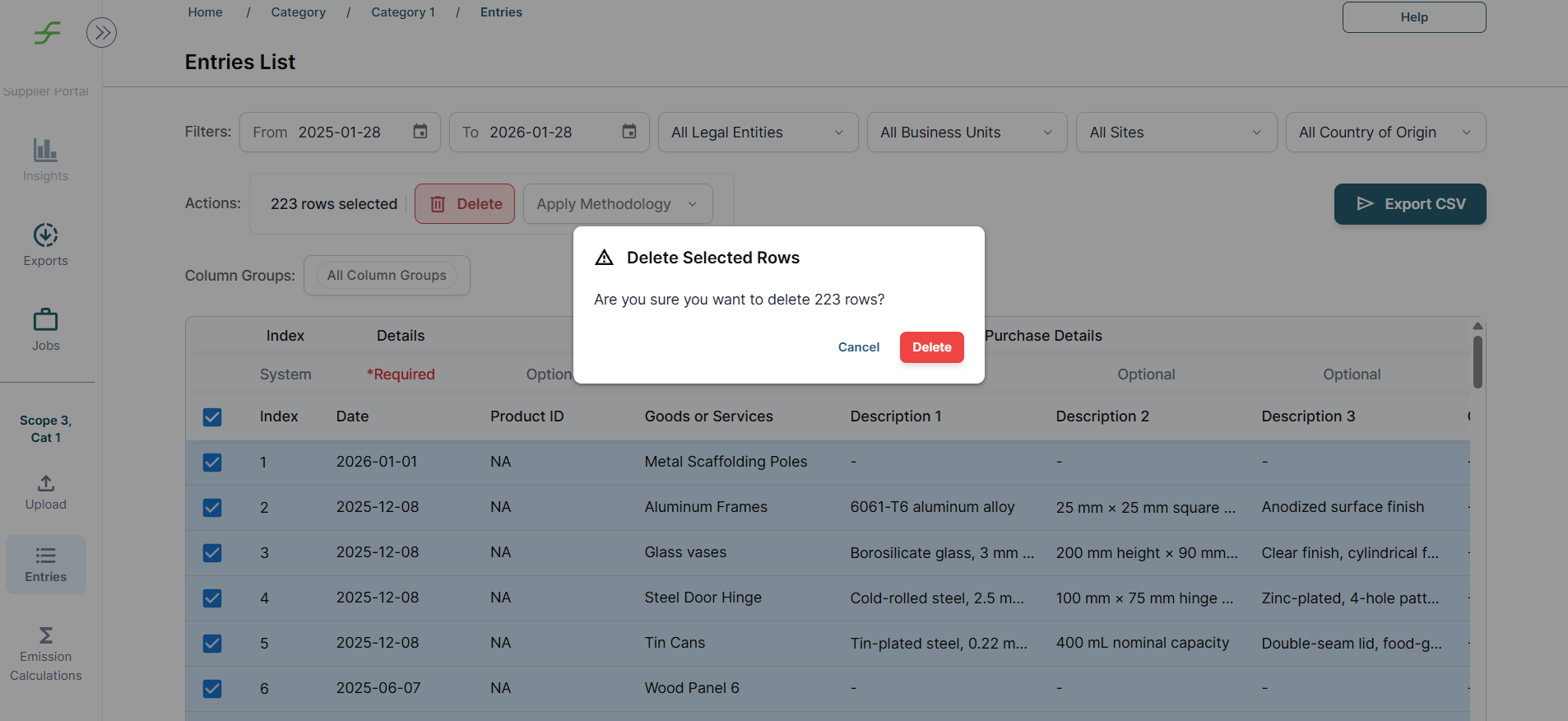
Users can select individual rows or use the Select all checkbox to choose multiple entries at once. Once the desired entries are selected, click Delete to proceed with data deletion.