
Users are able to export data in CVS format.
To export data uploads:
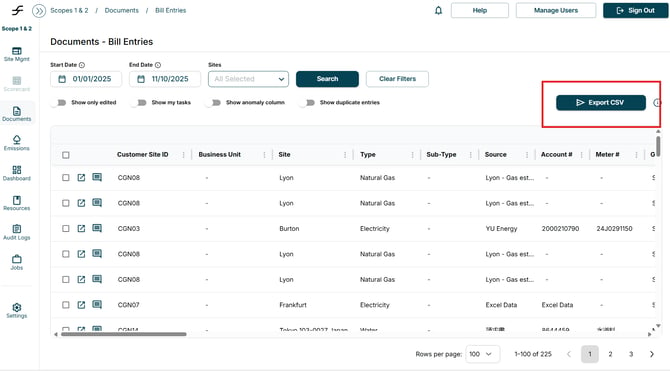
- Navigate to the Documents, Bill Entries Page
- Select Export .CSV
- The downloaded CSV will appear in downloads
Users can also export Dashboard Data in various formats; PNG, JPEG, SVG, CSV, or as a PDF.
- Navigate to the Dashboard tab
- Input the data you would like to appear in the charts
- Select Search
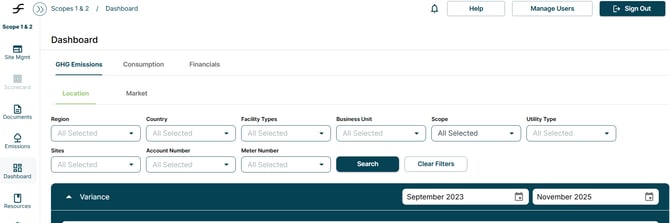
- Select the tab that contains the data you would like to evaluate
- Select the 3 lines in the right corner of the chart
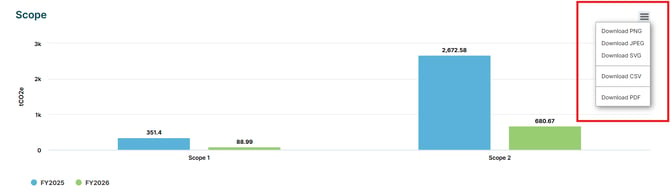
- Select the format you would like to export the image in